Accounting Firm
Tax Season Is Not the Only Time the Work Piles Up
Each client has recurring tasks, deadlines that cannot move and documents that arrive late. When assignments live in a spreadsheet and the client conversations in personal inboxes, someone eventually learns about a deadline too late.
Tell us how your day runs today. We will tell you where we would start.

One record per client
Everything about it stays together, from first contact to payment.
One record per client
Details, documents and billing live together.
Everyone on the same page
Each person works from the same current version.
Start with one handoff
No need to change everything at once.
Open-source base
Odoo Community, set up by an independent company founded by Cuban entrepreneurs.
From Odoo’s channel
Leaving QuickBooks, and keeping the books close
Neither video is an InnovanSIS project. One is an accountant who left QuickBooks; the other is an Odoo overview of accounting built into sales and inventory, including the move from QuickBooks.
Odoo made these videos to show what its platform can do, and some of what they show belongs to paid editions or extra apps. Before we quote anything, we tell you which features are in the edition you would use.
A day in your business
A Day Outside Tax Season, and the Work That Still Piles Up
Nothing here is dramatic. It is the small gaps between people, tools and steps that add up.

None of this is a people problem. The information simply stops moving from one step to the next.
Documents arrive in six different ways
Email, text, a photo, a paper folder. Someone has to sort them before the real work starts.
A client asks what is still missing
The answer depends on who last touched the file.
Three deadlines fall in the same week
The calendar is personal, and nobody sees the load of the whole team.
Hours spent, not recorded
A quick call for a client turned into an hour, and it will not reach an invoice.
Recurring fees are rebuilt by hand
Each client has a slightly different arrangement, and some are forgotten.
How it works
From New Client to Paid Invoice, Following One Engagement
Each step names the Odoo app behind it. The screens are set up around your products, your documents and your approvals, not around a default demo.
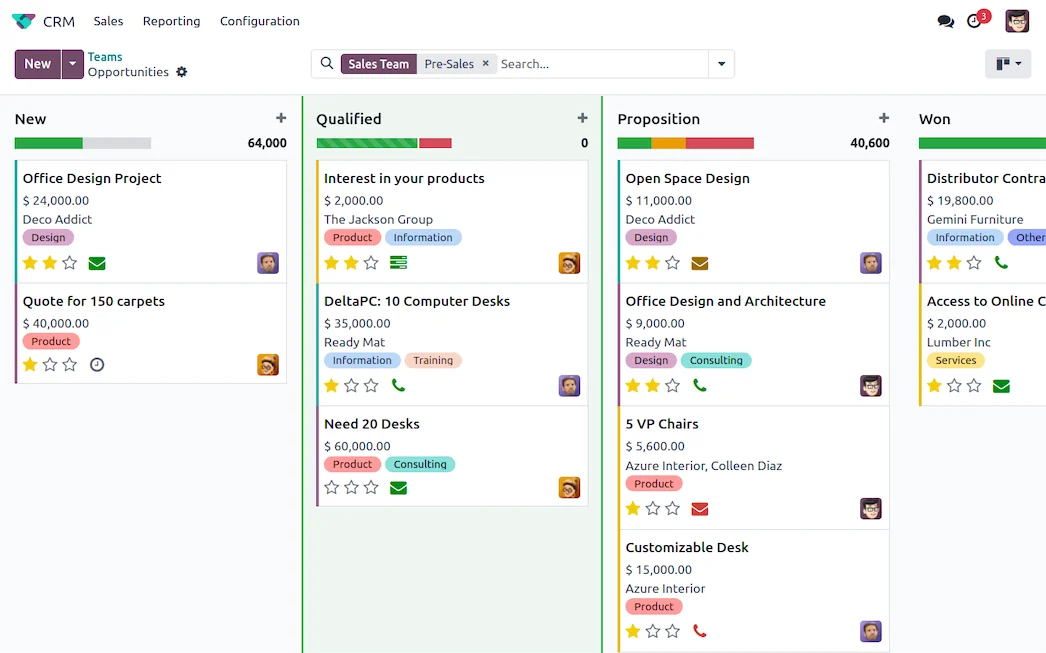
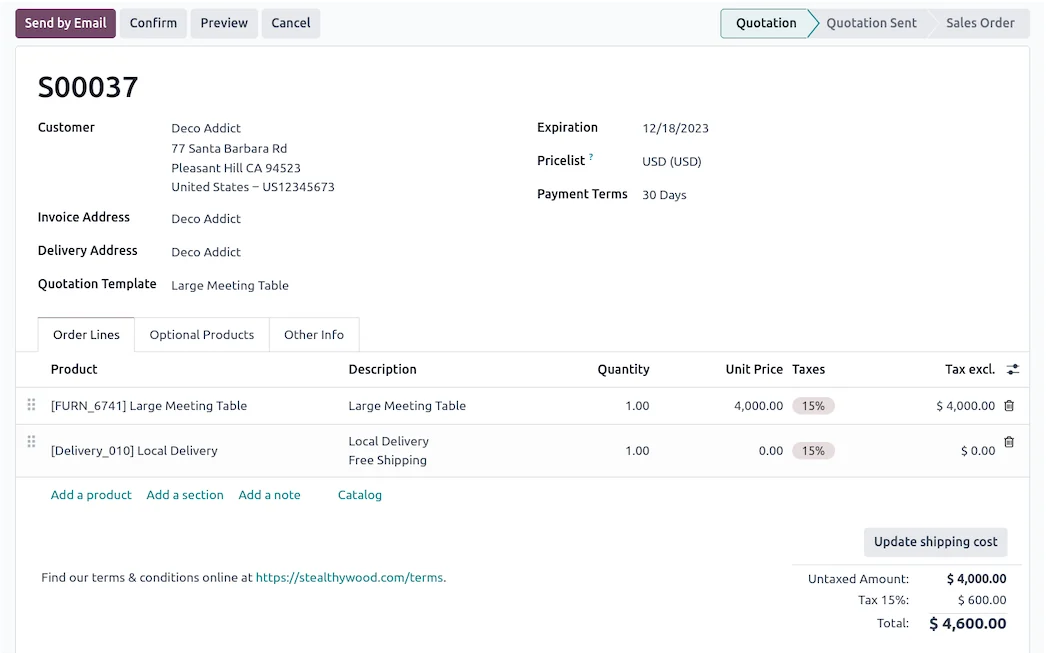
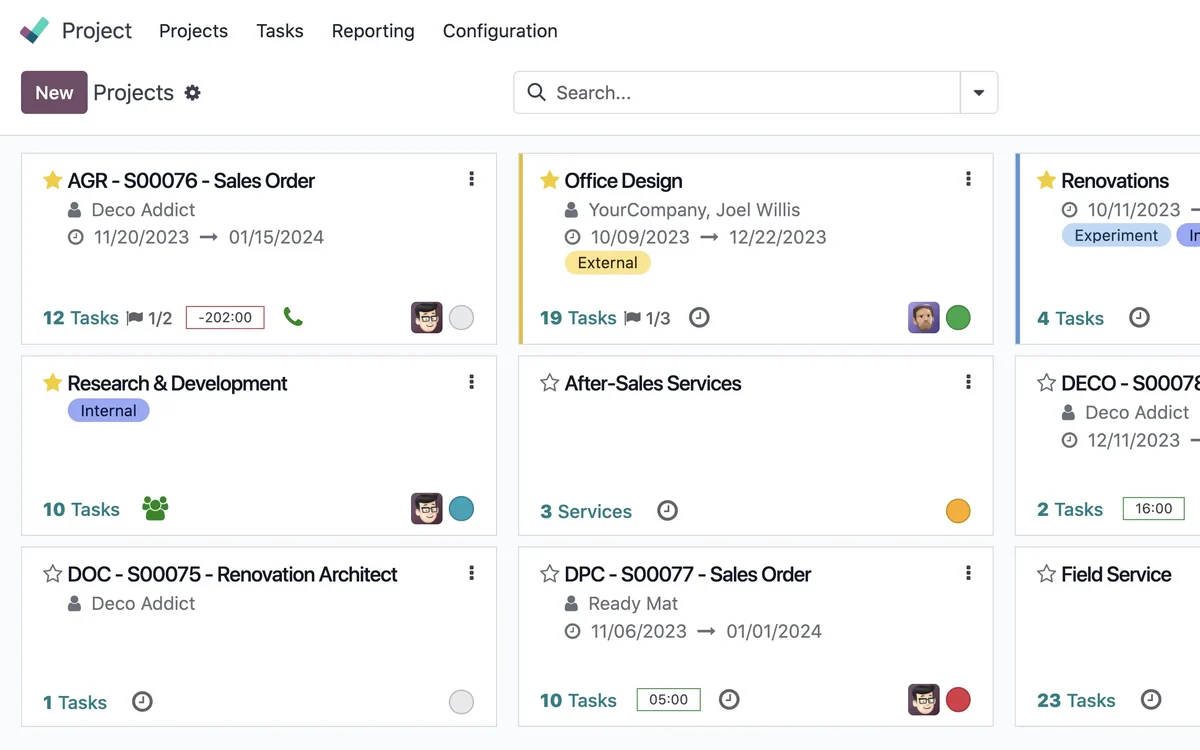
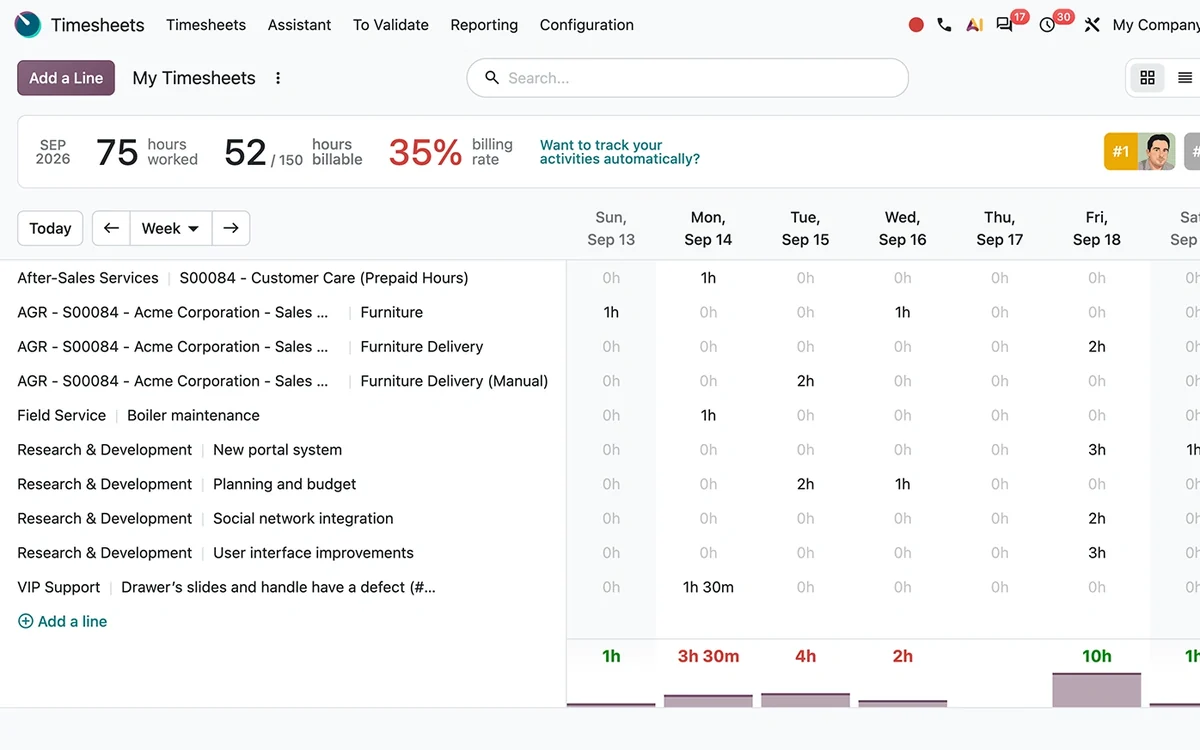
What changes
What Changes for Your Team
Recurring work with deadlines
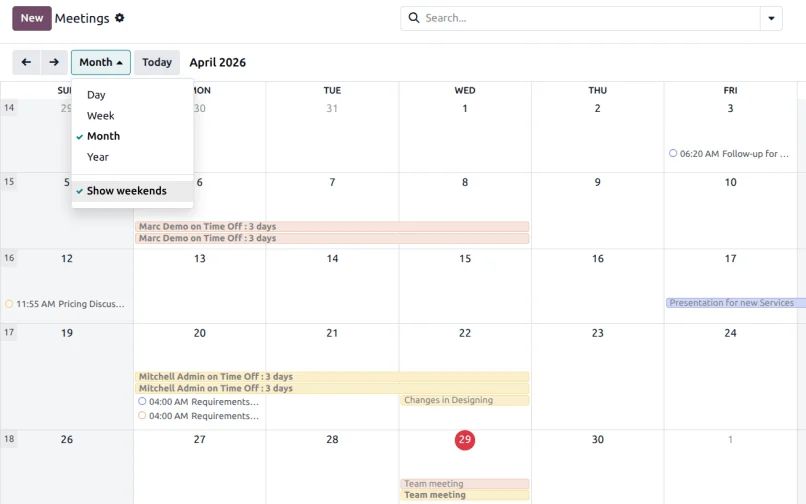
Monthly and annual tasks are created per client with a due date and an owner, so the calendar shows what is coming for the whole office.
Time recorded by client and service
You see which clients take more hours than their fee covers, and you can adjust before the next renewal.
Client conversations attached to the work
Questions and answers stay on the task, so a colleague can pick it up without asking what was already agreed.
You see the load of the whole team
Deadlines and tasks in one place, by person.
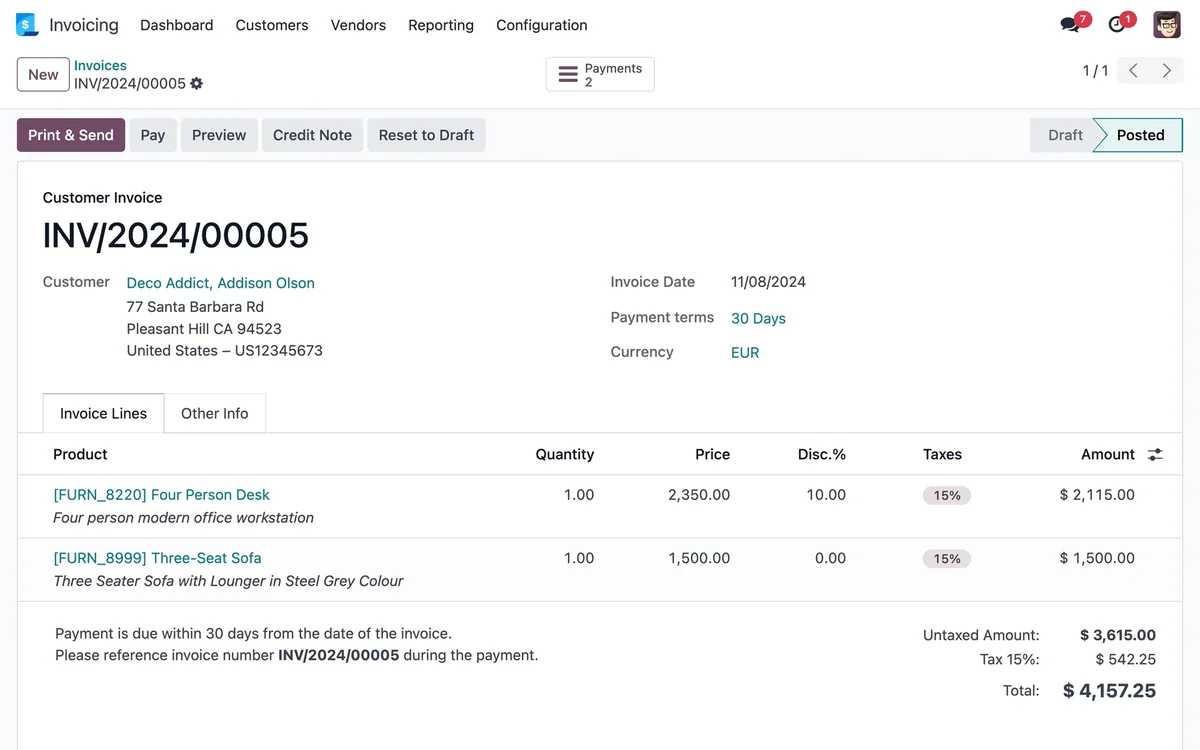
Time that reaches an invoice
Quick calls and extras stop disappearing.
Starts small, grows with you
Begin with projects and timesheets, and add the CRM later.
We do not promise percentages. We measure your starting point first, such as errors, delays or hours spent on repeat work, and track the change against it.
Questions
Questions We Hear Before We Start
No. We organize the office around your professional tools: tasks, hours, client communication and your own billing. Odoo's full Accounting app is a paid edition app and is a different decision from this one.
Clients can reply by email and attachments land on the task. A dedicated client portal with document requests is a larger piece, and the Documents app is paid. We review what level you need.
Access is limited by user and role, and we set up backups and hosting with you. We do not make compliance claims for your profession, so confirm those requirements with your own advisors.
No. Pick the handoff that causes the most rework, get the team using it, then add the next step. Your existing data can come over from spreadsheets or an export of your current system: we load a test database first, review a sample with you and only then load the real one.
We work with Odoo Community, the open-source edition. InnovanSIS is an independent company founded by Cuban entrepreneurs; we are not Odoo. Some features, such as Documents, belong to a paid Odoo edition or call for custom work, and we tell you so before quoting.
You walk us through a normal day. We point out where information gets lost, suggest the first workflow to connect and put the scope in writing before any work starts.
Planning to run this on Odoo? Our Odoo implementation services cover the assessment, the build, data migration and go-live, with hour packs that start at US$493.
Next step
Bring Us Your Busiest Month
Tell us how work travels through the firm. We will show you where it waits and what we would connect first.
Prefer to talk? 786-258-1088 • [email protected]