Book Store
A Book Store Carries Thousands of Titles. The Stock List Has to Keep Up
Used copies, special orders, consignment shelves and a steady flow of new releases make the stock list hard to trust. Staff end up searching the shelves to answer a customer who asked a simple question.
Tell us how your day runs today. We will tell you where we would start.
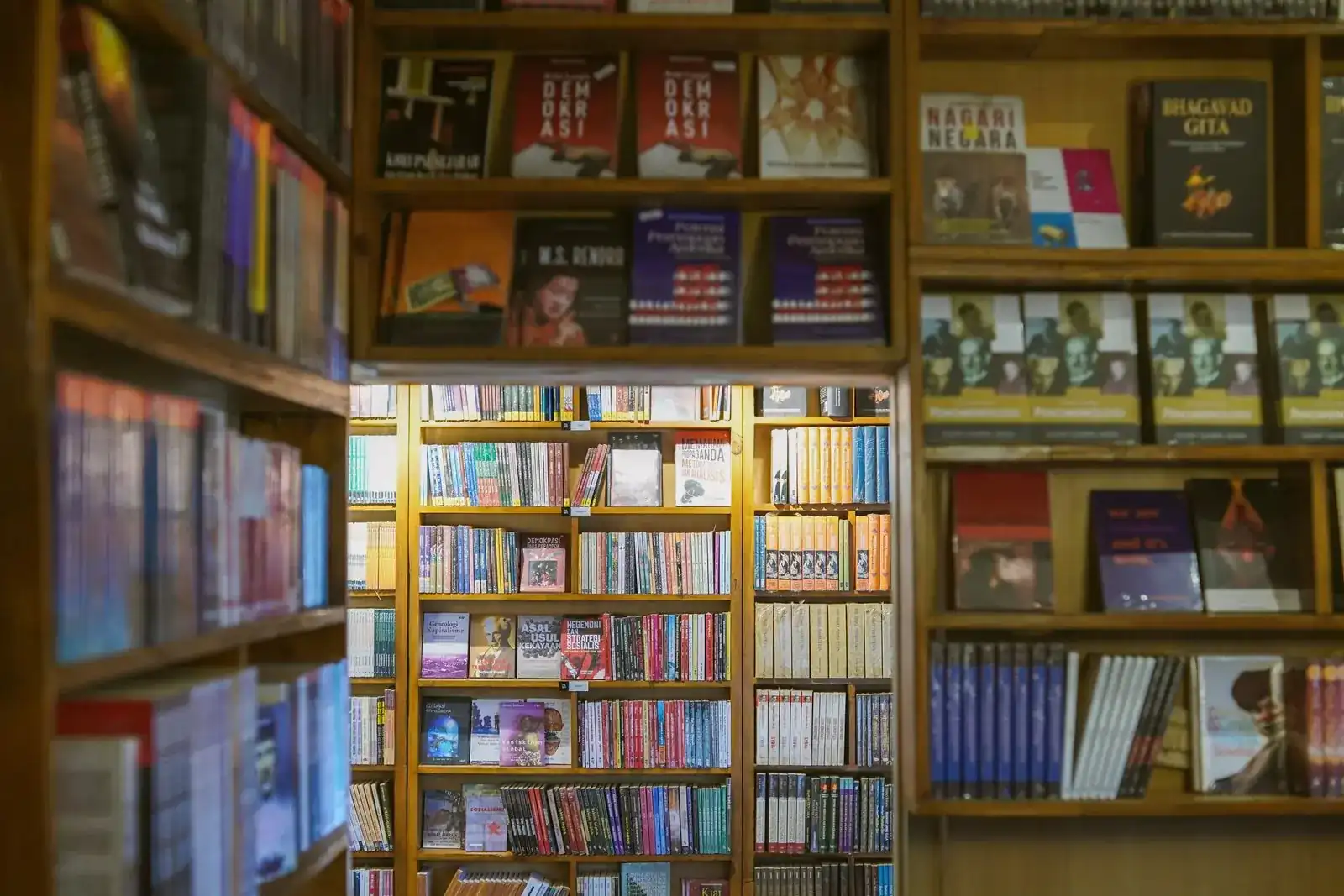
One record per title
Everything about it stays together, from first contact to payment.
One record per title
Details, documents and billing live together.
Everyone on the same page
Each person works from the same current version.
Start with one handoff
No need to change everything at once.
Open-source base
Odoo Community, set up by an independent company founded by Cuban entrepreneurs.
From Odoo’s channel
How a small shop’s stock and till can work together
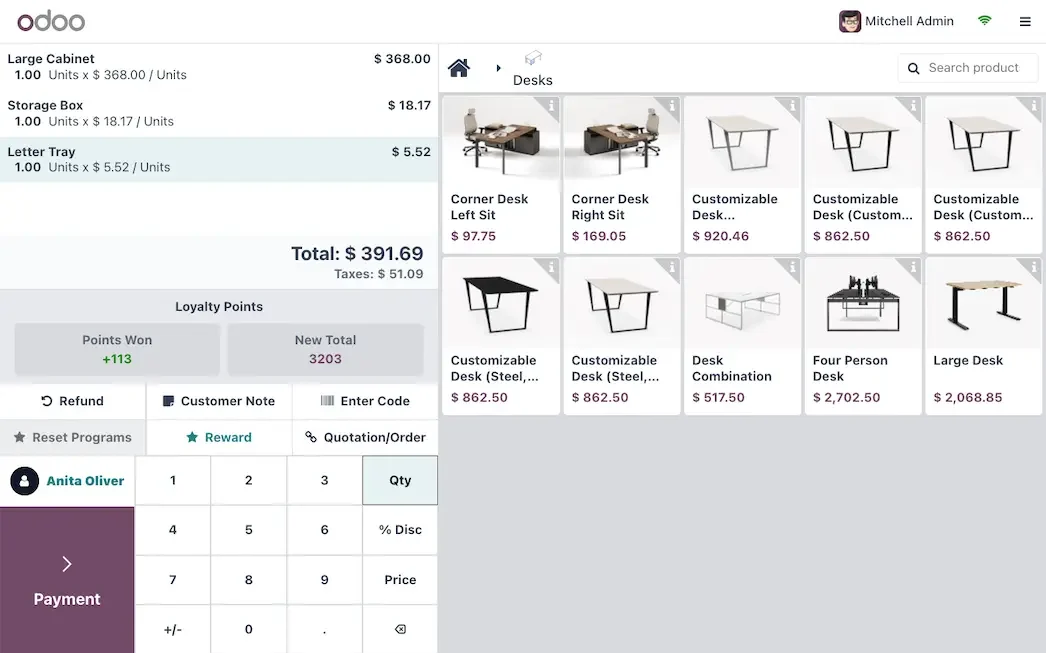
Odoo has not made a video for bookshops, so here is the closest one: a general retail demo of its Point of Sale. What it shows carries over: loyalty points, scheduled pickups, instant receipts, refunds and payments at the till.
Odoo made these videos to show what its platform can do, and some of what they show belongs to paid editions or extra apps. Before we quote anything, we tell you which features are in the edition you would use.
A day in your business
A Busy Saturday, and Where the Stock List Stops Being True
Nothing here is dramatic. It is the small gaps between people, tools and steps that add up.
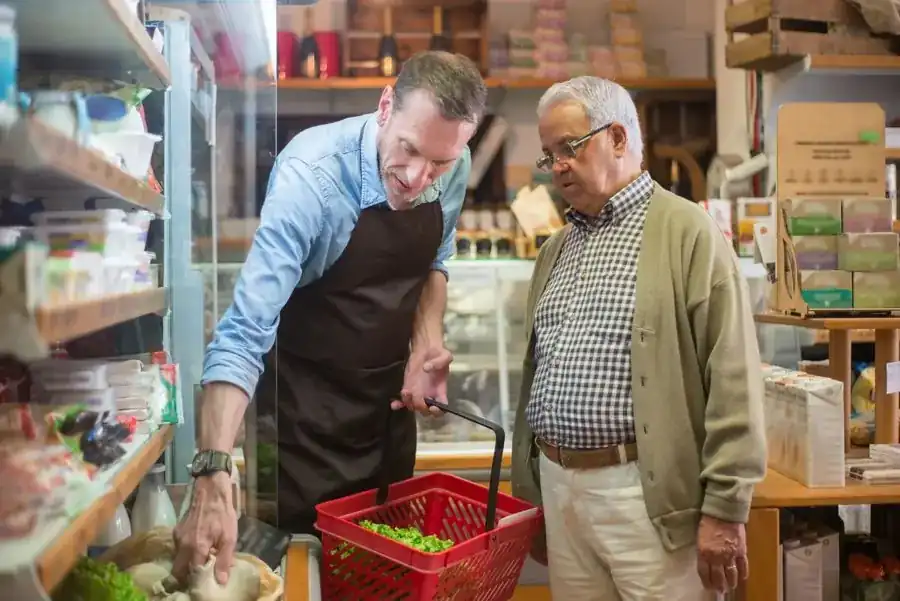
None of this is a people problem. The information simply stops moving from one step to the next.
A customer asks for one specific title
You are almost sure it is in the store. Someone walks the aisles while the customer waits.
A delivery arrives without a clear order
Boxes from two publishers show up together, and checking them against what you ordered takes the whole morning.
A special order lives on a sticky note
The customer left a name and a phone number. By Thursday nobody remembers where the note went.
A used book comes back, and nobody knows its price
Consignment copies and your own stock sit on the same shelf, so every return needs a decision.
Closing the day means counting the register by hand
Sales, returns and online orders are added up from three places before you can go home.
How it works
From Special Order to Paid, Following One Title
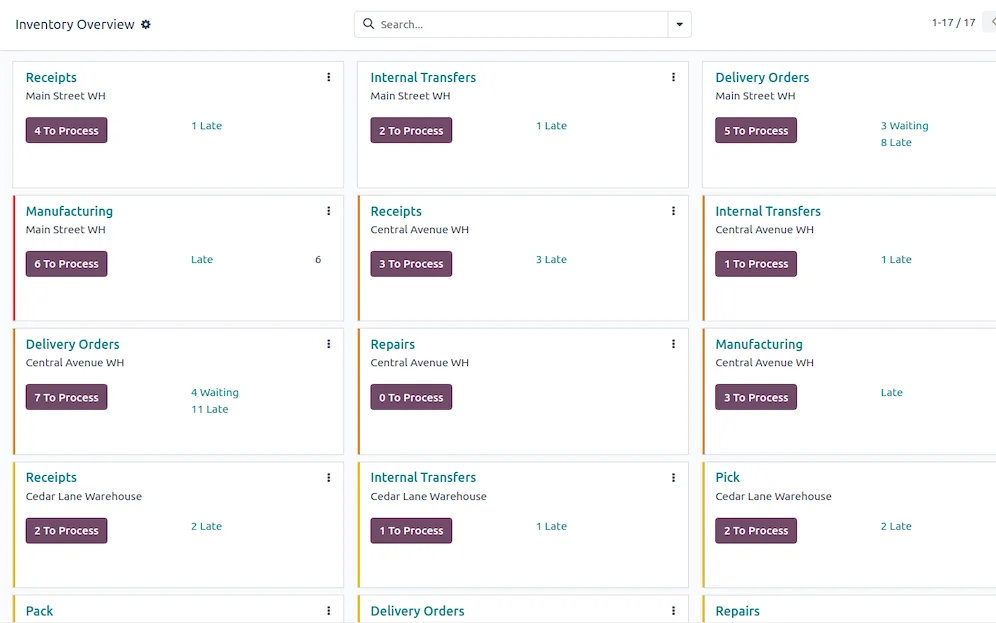
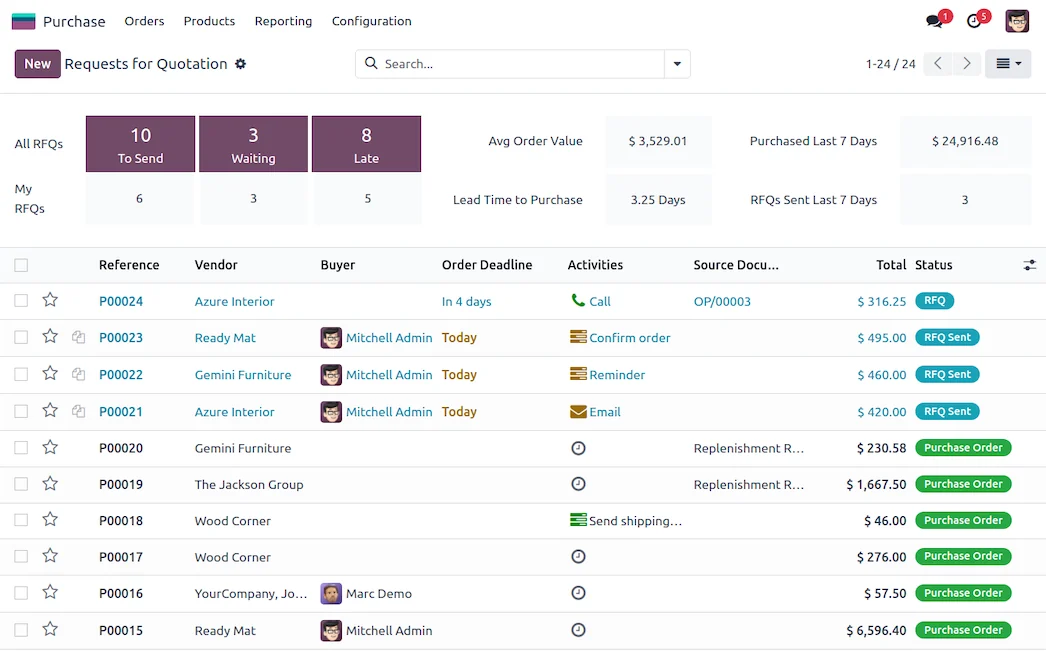
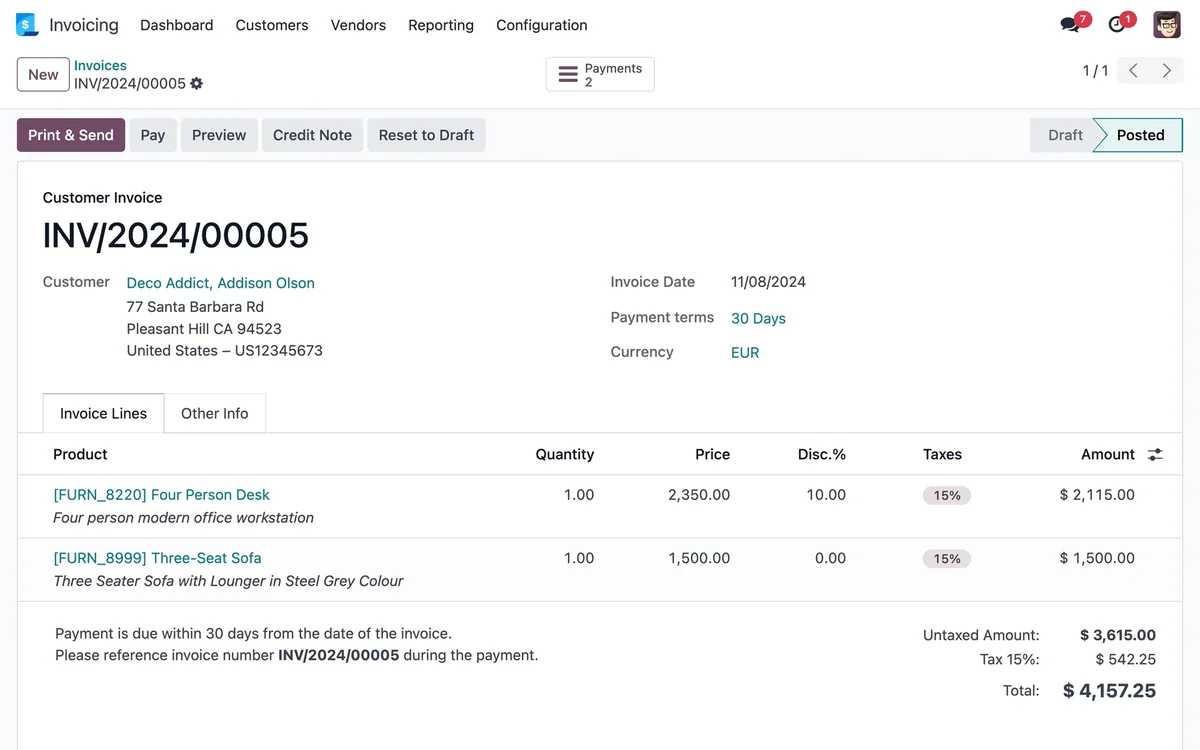
Each step names the Odoo app behind it. The screens are set up around your products, your documents and your approvals, not around a default demo.
What changes
What Changes for Your Team
One catalog, searchable by anyone
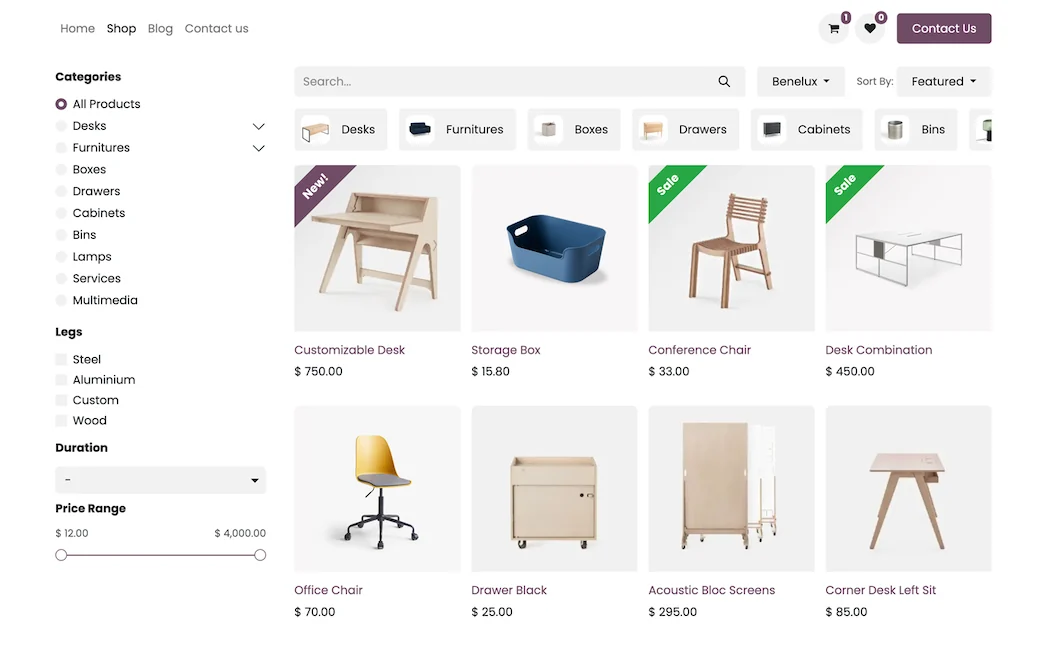
Titles, authors, editions and ISBNs live in one product list. At the counter you see what is on hand, what is on order and who supplies it.
Reorders from real sales
Reordering rules draw on what actually sold, so the store stops reordering a title it already has and stops running out of the one everybody asks for.
Special orders tied to the customer
A customer asks for a book you do not stock. The request is saved with their name and phone, so you can call when it arrives instead of hoping someone remembers.
Less time hunting on the shelves
A quick search at the counter answers most customer questions.
Buy from sales, not from memory
You see what moves, what sits and what is worth reordering.
Starts small, grows with you
Begin with the catalog and the counter, and add online sales and events later.
We do not promise percentages. We measure your starting point first, such as errors, delays or hours spent on repeat work, and track the change against it.
Questions
Questions We Hear Before We Start
Usually yes, if it sits in a spreadsheet or an export from your current system. We check the columns, clean duplicates and import it in a test database first.
It can, but it takes a setup decision: separate products or locations for used copies, and a simple way to record what you owe the consignor. We settle that with you before building anything.
A USB or Bluetooth scanner works for sales at the counter. Odoo's dedicated Barcode app for warehouse operations is a paid edition app, so we only recommend it if you receive large deliveries.
No. Pick the handoff that causes the most rework, get the team using it, then add the next step. Your existing data can come over from spreadsheets or an export of your current system: we load a test database first, review a sample with you and only then load the real one.
We work with Odoo Community, the open-source edition. InnovanSIS is an independent company founded by Cuban entrepreneurs; we are not Odoo. Every app named on this page belongs to Odoo Community. If something you need turns out to be a paid edition feature or custom work, we tell you before quoting.
You walk us through a normal day. We point out where information gets lost, suggest the first workflow to connect and put the scope in writing before any work starts.
Planning to run this on Odoo? Our Odoo implementation services cover the assessment, the build, data migration and go-live, with hour packs that start at US$493.
Next step
Bring Us Your Messiest Shelf
Tell us how a title gets from the publisher to a customer. We will show you where the information gets lost and which step we would connect first.
Prefer to talk? 786-258-1088 • [email protected]