Hardware Store
A Hardware Store Sells Thousands of Small Things and Someone Has to Know Where They Are
Screws by the piece, cable by the meter, paint by the can and an account for the contractor who buys every week. The product list is huge, the units vary, and the regular customers expect their prices.
Tell us how your day runs today. We will tell you where we would start.
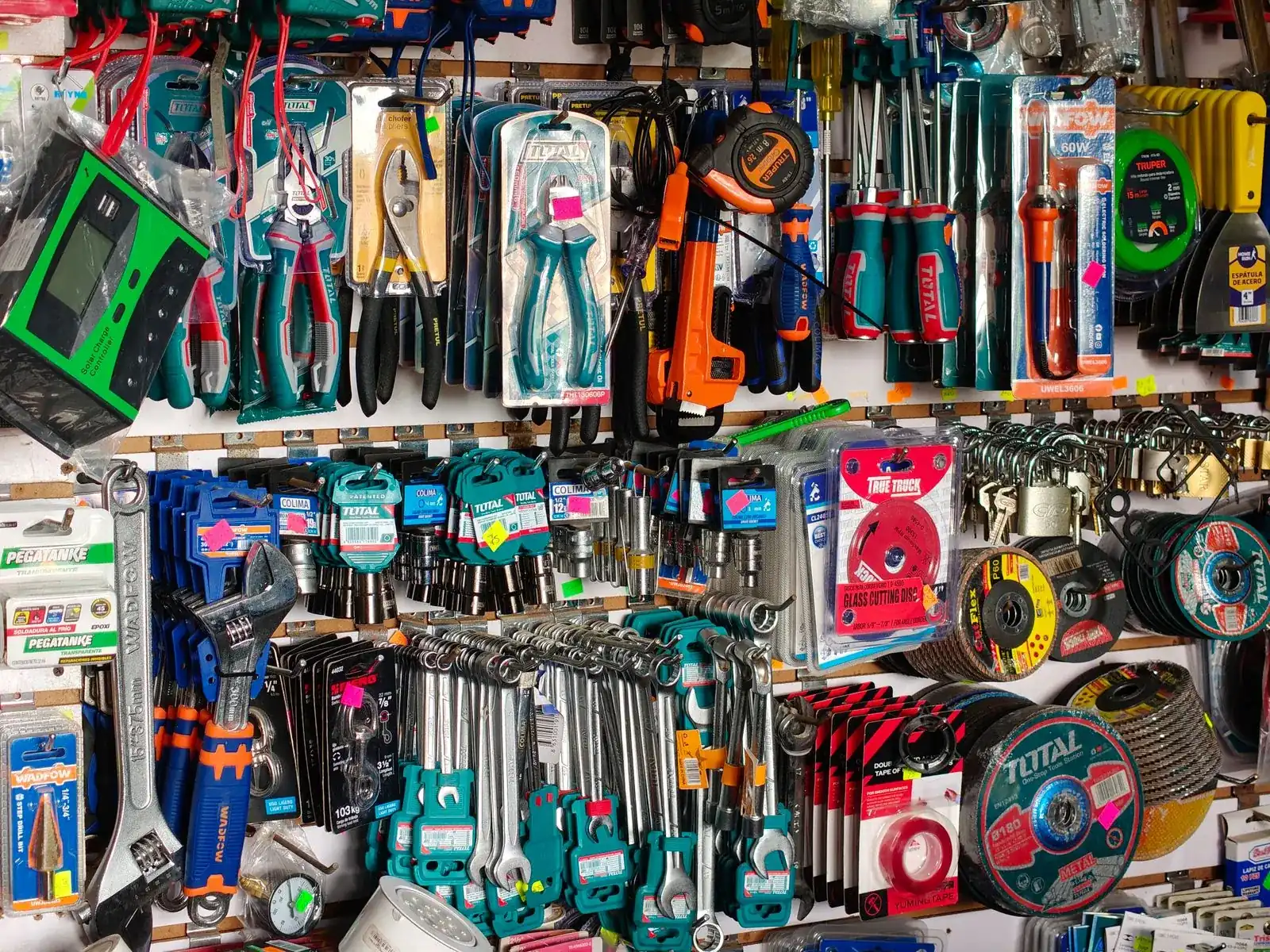
One record per item
Everything about it stays together, from first contact to payment.
One record per item
Details, documents and billing live together.
Everyone on the same page
Each person works from the same current version.
Start with one handoff
No need to change everything at once.
Open-source base
Odoo Community, set up by an independent company founded by Cuban entrepreneurs.
From Odoo’s channel
Parts, stock and quotes that get followed up
Odoo’s hardware store video covers the till, quotes and invoices for business clients, purchasing, stock and barcodes. The second is an Australian company that makes and sells vehicle parts and follows up its quotes.
Odoo made these videos to show what its platform can do, and some of what they show belongs to paid editions or extra apps. Before we quote anything, we tell you which features are in the edition you would use.
A day in your business
A Contractor Morning, and Where the Small Things Add Up
Nothing here is dramatic. It is the small gaps between people, tools and steps that add up.
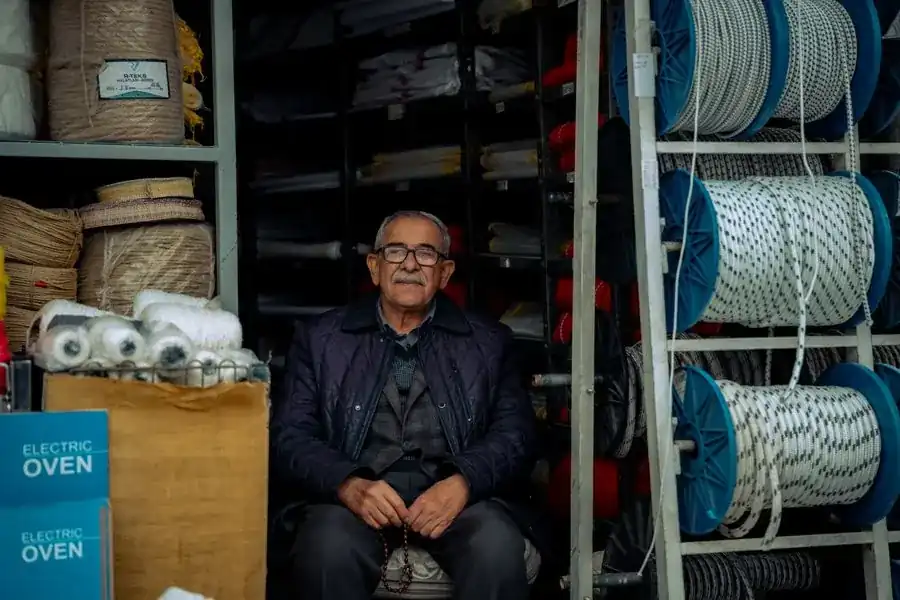
None of this is a people problem. The information simply stops moving from one step to the next.
Contractors line up before opening
Each one has his own price and his own account, and the register does not remember either.
Sold by the meter, bought by the roll
Cable, pipe and chain change units between the supplier and the counter, and the stock drifts.
Where is the 3/4 inch fitting?
The item exists, but nobody knows the aisle, the bin or how many are left.
A quote for a whole job
A contractor asks for fifty different items. The list is written by hand and prices change by Friday.
The bestseller ran out
It was the most requested item, and nobody noticed until a customer asked.
How it works
From Job List to Paid, Following One Contractor Order
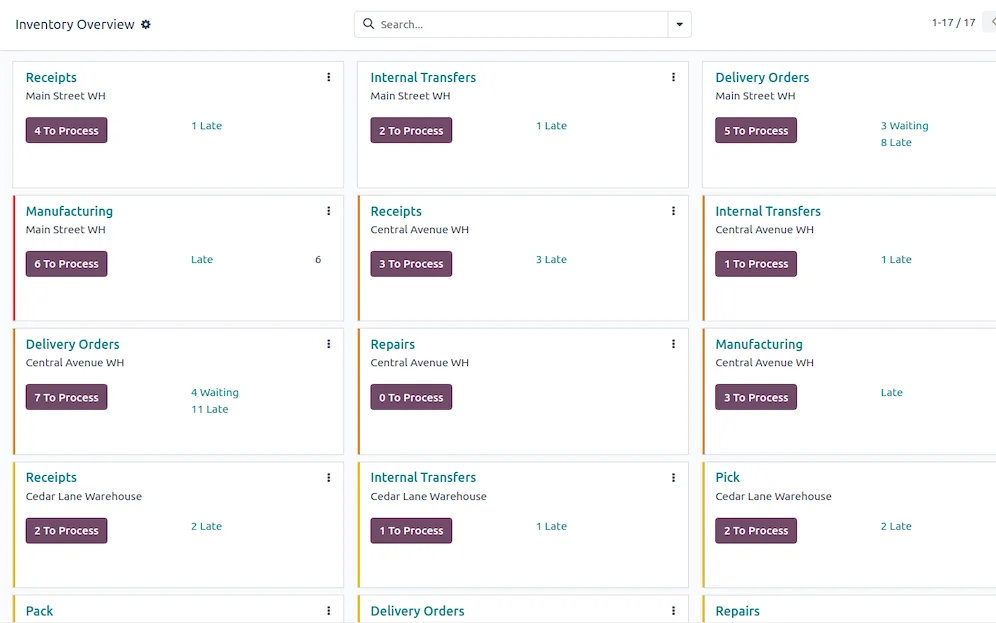
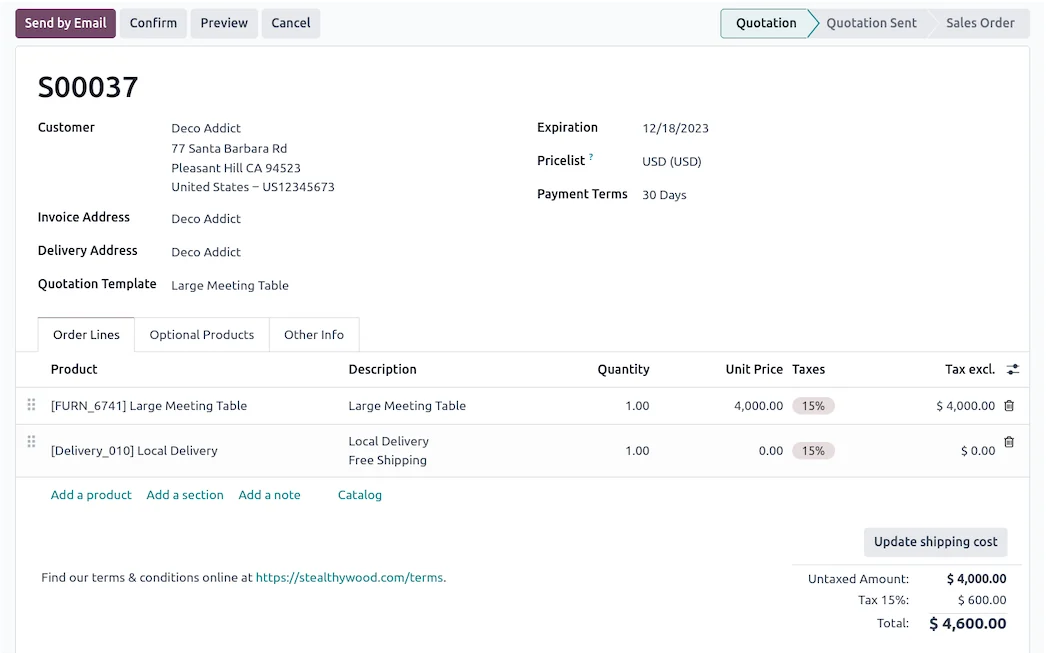
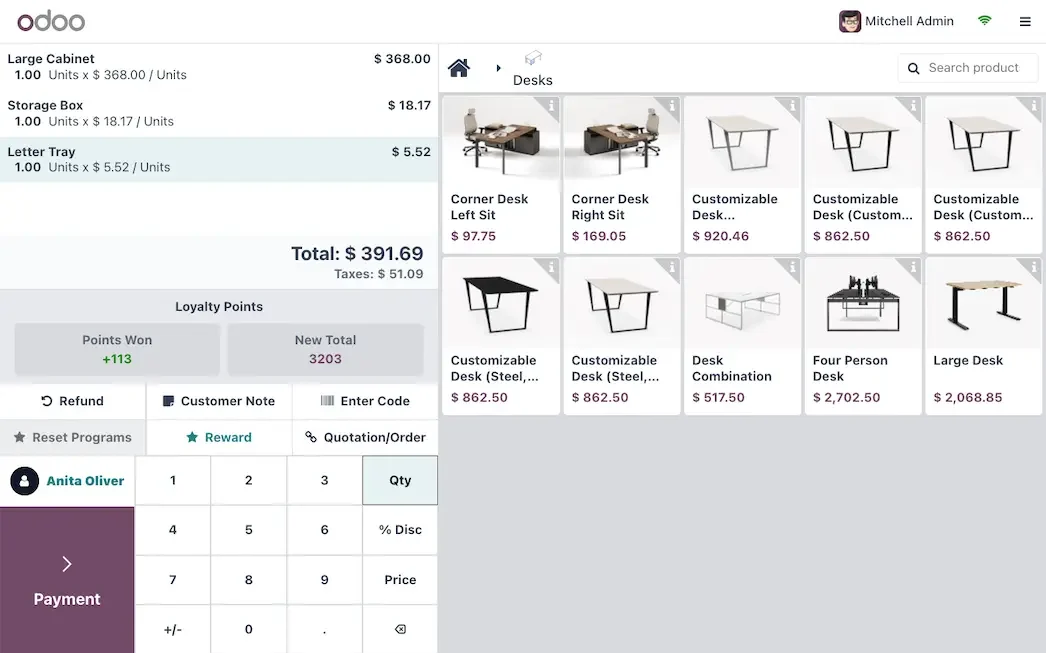
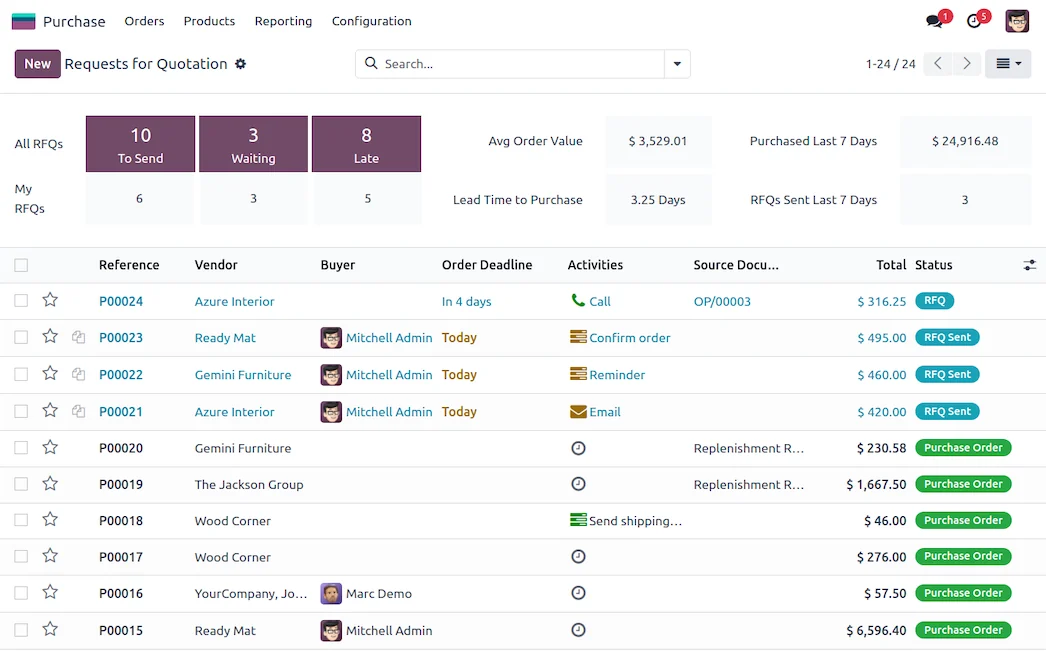
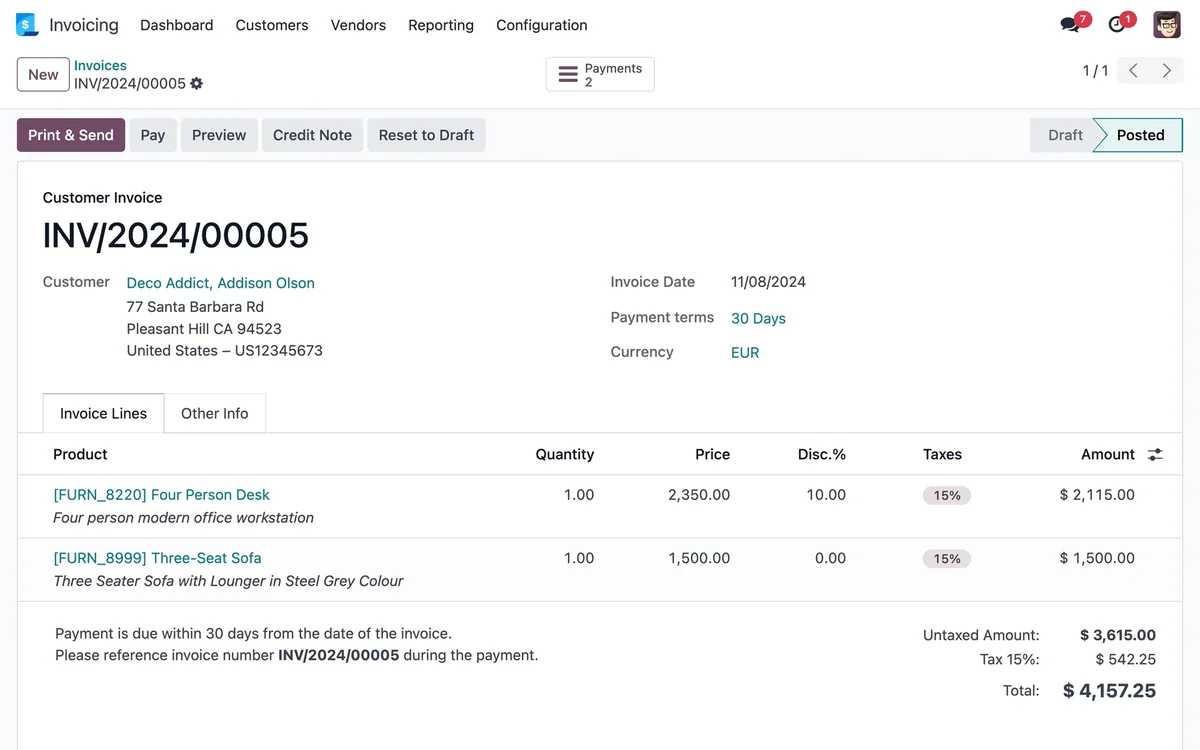
Each step names the Odoo app behind it. The screens are set up around your products, your documents and your approvals, not around a default demo.
What changes
What Changes for Your Team
Units that match how you sell
A product can be bought by the box and sold by the piece or the meter. Stock stays correct without a calculator at the counter.
Contractor accounts and price lists
Regular customers get their own price list and a running account, with a clear statement of what they owe and since when.
Restocking before the shelf is empty
Minimum quantities per item flag what to order, and the supplier history tells you who gave the better price last time.
Find any item in seconds
Anyone at the counter can answer what you have and where it sits.
Contractors served on their terms
Their price list and account follow them to the counter.
Starts small, grows with you
Start with the catalog and the counter, and add quotes and accounts later.
We do not promise percentages. We measure your starting point first, such as errors, delays or hours spent on repeat work, and track the change against it.
Questions
Questions We Hear Before We Start
From a spreadsheet or an export from your current system, in batches. We import to a test database first, review a sample by category and only then load the real one.
Yes. Each customer can have payment terms and a credit limit, and overdue balances show up in a follow-up list.
Yes, by defining the unit of measure, for example meters. Cut-to-order offcuts are a detail we plan with you so the leftovers do not distort the stock.
No. Pick the handoff that causes the most rework, get the team using it, then add the next step. Your existing data can come over from spreadsheets or an export of your current system: we load a test database first, review a sample with you and only then load the real one.
We work with Odoo Community, the open-source edition. InnovanSIS is an independent company founded by Cuban entrepreneurs; we are not Odoo. Every app named on this page belongs to Odoo Community. If something you need turns out to be a paid edition feature or custom work, we tell you before quoting.
You walk us through a normal day. We point out where information gets lost, suggest the first workflow to connect and put the scope in writing before any work starts.
Planning to run this on Odoo? Our Odoo implementation services cover the assessment, the build, data migration and go-live, with hour packs that start at US$493.
Next step
Bring Us Your Most Complicated Item
Show us an item sold in more than one unit, or one contractor account. We will show you how we would set it up and what we would connect first.
Prefer to talk? 786-258-1088 • [email protected]