Landscaping & Gardening
Run Every Property, Crew, and Invoice from One Connected System
Landscaping companies juggle two kinds of work: recurring maintenance visits and design or installation projects. Both start with a request, depend on a property and a crew, and end with an invoice that someone has to chase.
InnovanSIS helps lawn care, maintenance, irrigation, and landscape design businesses connect the estimate, the schedule, the work done, and the billing.
One property, from request to payment
Request
Website form, call, or email
Estimate
Site visit and approved quote
Schedule
Crew, date, and instructions
Invoice
Billed from the work completed
The challenge
Where Landscaping Work Slips Through the Cracks
Most of these problems are not about effort. They happen because the information lives in a notebook, a text thread, and a spreadsheet at the same time.
Estimate requests go cold
A homeowner fills out a form or leaves a voicemail, and nobody owns the follow-up until the job goes to a competitor.
Crews arrive without the details
Gate codes, irrigation zones, or the areas the client asked to skip stay in someone's head instead of on the work order.
Completed visits wait to be billed
The crew finished on Tuesday, but the invoice goes out weeks later because the office has to rebuild what was done.
Fit
Two Ways of Working, One Customer Record
Recurring maintenance
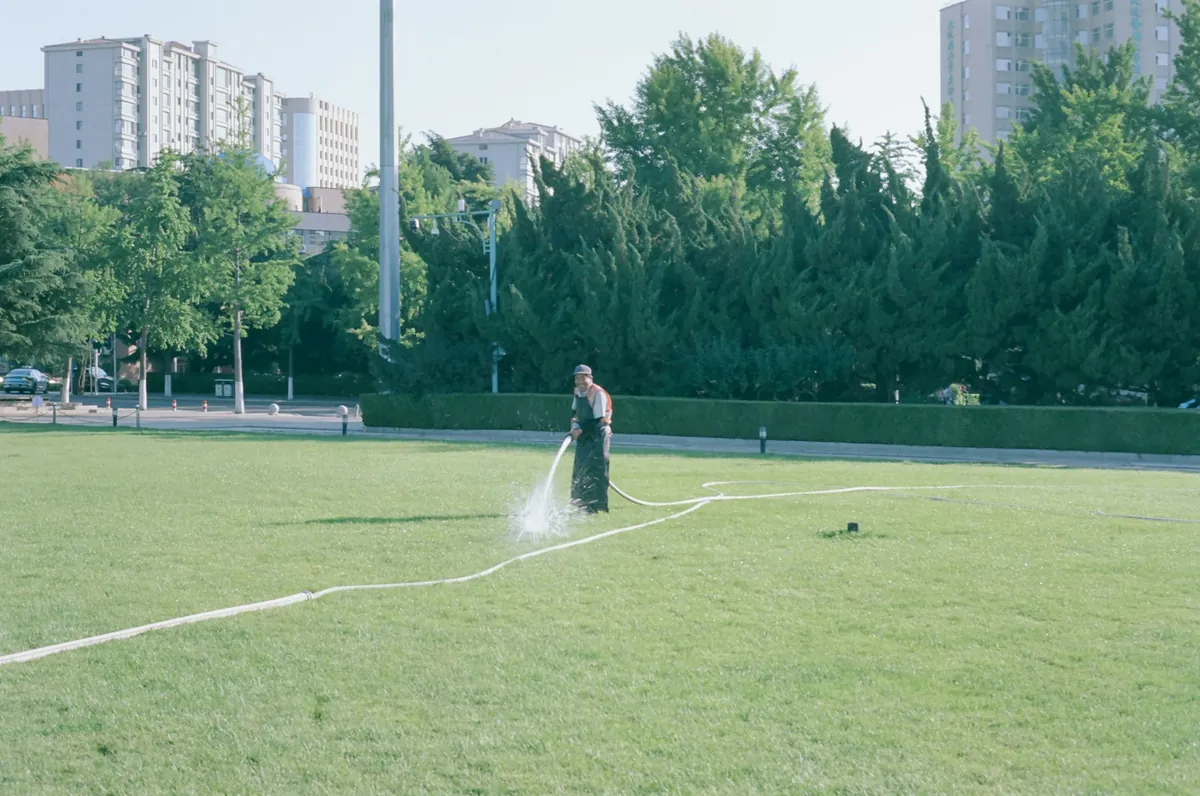
Mowing, pruning, mulching, and seasonal cleanups follow a service plan per property: a frequency, a crew, and a predictable billing cycle.

Design and installation projects
New gardens, hardscape, and irrigation installs move through scope, quote, tasks, materials, and milestones before final delivery.

Both under one roof
The same client can have a weekly maintenance plan and a spring installation project, sharing one contact, one property, and one history.
Business cycle
From the First Request to the Paid Invoice
Capture the Request
Website estimate requests land in the CRM with the service type, address, and how the client prefers to be contacted, so every lead has an owner.
Visit and Evaluate
Schedule the site visit as an activity, record the property details, and move the opportunity through clear stages up to won or lost.
Quote and Approve
Send a quote from a template for maintenance or installation, with scope, frequency, exclusions, and validity. The client can review and accept it online.
Schedule the Crew
The approved quote becomes tasks on a calendar, assigned to a crew lead, with the property instructions attached and a status everyone can see.
Do the Work and Record It
Crews update the task, log time, and add notes or photos, so the office knows what was done without a phone call.
Invoice and Follow Up
Bill from the completed work, including deposits and progress payments on projects, then follow up on unpaid invoices and the next season.
Quote simulator
See What Your Quotes Add Up To
Move the sliders to match a typical month: how many quotes you send, their average value, and how many you usually win. You will see the volume you quote and the work you could win, which is a good reason to follow up on every quote.
Free guide · Landscaping
From Estimate Request to Paid Invoice
InnovanSIS
Free guide
From Estimate Request to Paid Invoice: An Operations Guide for Landscaping Companies
A practical guide to organizing a landscaping business around one connected cycle. Inside:
- The CRM stages that keep estimate requests from going cold
- Quote templates for maintenance and for installation projects
- How to run recurring visits and one-time projects side by side
- A checklist to review your operation before choosing software
The platform
The Odoo Apps Behind the Workflow
We work with Odoo Community, the open-source edition. Start with the apps you need and add more as the business grows.
CRM
Pipeline for estimate requests, site visits, and follow-up activities.
Sales
Quote templates for maintenance and installation, with online acceptance.
Project and Timesheets
Work orders as tasks, recurring tasks for maintenance visits, and time logged by crew.
Inventory and Purchase
Plants, mulch, and irrigation parts tracked against the jobs that use them.
Invoicing
Invoices from approved quotes and completed work, deposits, and payment follow-up.
Website
Service pages, a project gallery, and an estimate request form connected to the CRM.
Where to begin
Grow in Stages, Starting Where It Hurts Most
Each stage builds on the previous one, so you can start small and add operations when the team is ready.
STAGE 1
Digital presence and estimate requests
STAGE 2
CRM, site visits, and quotes
STAGE 3
Scheduling, work orders, and billing
FAQ
Common Questions
Yes. In Odoo Community we set up recurring tasks per property and a calendar view for the crews. Automatic recurring billing and advanced dispatch tools belong to paid editions or extensions, so we review them with you before including them in the scope.
No. You can start with a website and an estimate request form, then add the CRM and quotes, and later scheduling and billing.
Odoo works in a mobile browser, so crew leads can open their tasks, log time, and add notes. Offline use, GPS routes, and signatures in the field are evaluated case by case.
Next step
Tell Us How Your Season Really Runs
Share your services, how many crews you run, and how you estimate and bill today. We will show you where to start.
Prefer to talk? 786-258-1088 • info@innovansis.com