Fast Food
When the Line Is Long, Every Second at the Register Counts
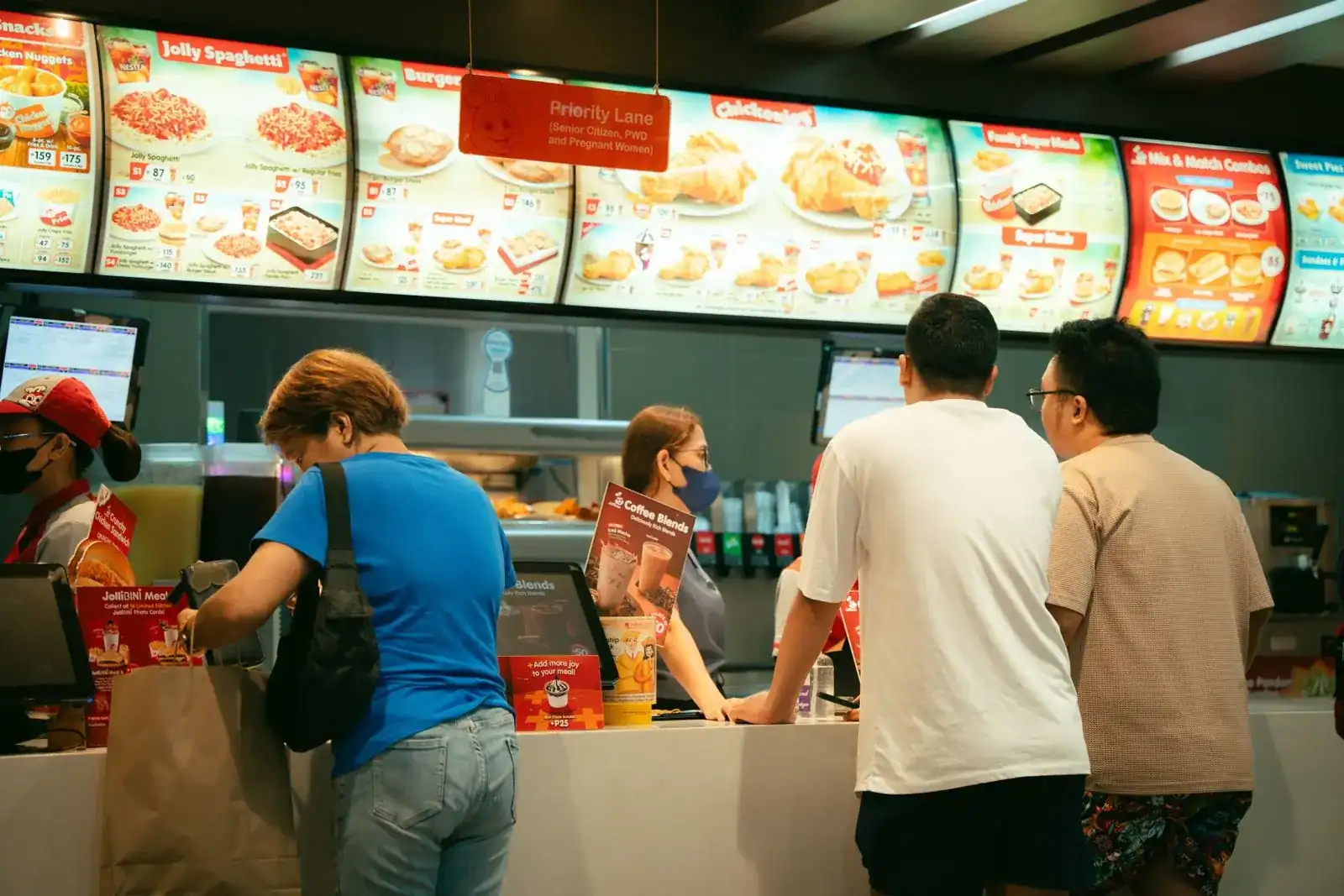
A fast-food counter lives on speed and repetition. A short menu, combos, modifiers and a rush at noon leave no room for slow screens, wrong orders or a stockout of the most popular item.
Tell us how your day runs today. We will tell you where we would start.
One record per order
Everything about it stays together, from first contact to payment.
One record per order
Details, documents and billing live together.
Everyone on the same page
Each person works from the same current version.
Start with one handoff
No need to change everything at once.
Open-source base
Odoo Community, set up by an independent company founded by Cuban entrepreneurs.
From Odoo’s channel
Quick service, from the till to the event
Odoo has no fast-food video. The closest is its food truck demo: quick service at the till, quotes for catering and private events, and work orders for large venues. The second video is a restaurant owner’s own story.
Odoo made these videos to show what its platform can do, and some of what they show belongs to paid editions or extra apps. Before we quote anything, we tell you which features are in the edition you would use.
A day in your business
A Lunch Rush, and Where the Seconds Go
Nothing here is dramatic. It is the small gaps between people, tools and steps that add up.
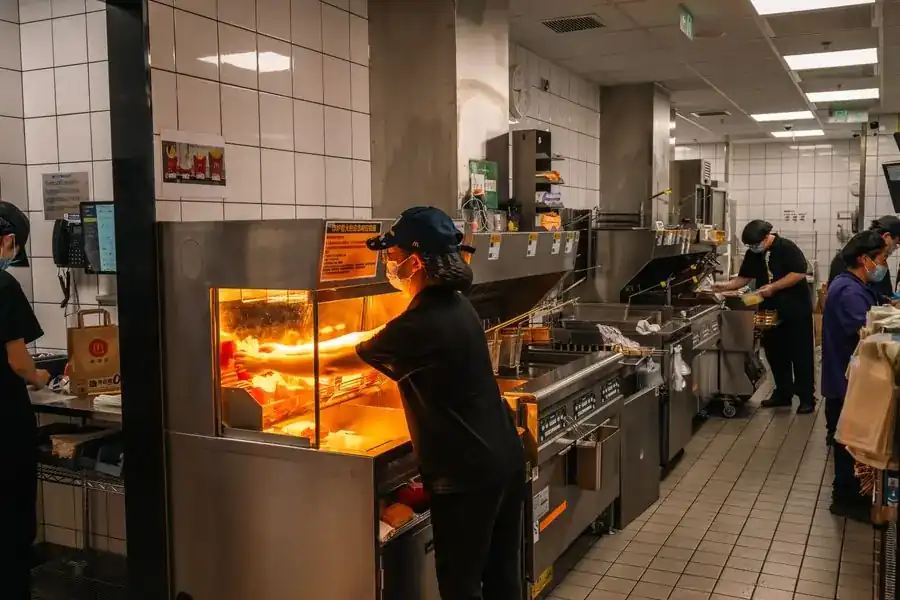
None of this is a people problem. The information simply stops moving from one step to the next.
The shift starts with half the prep missing
Nobody knows how much was left from last night, so the first rush starts behind.
A long line and a slow register
Combos, extras and changes are keyed in by hand. Every correction costs a customer.
The fryer oil or the buns run out
The ingredient counts are done once a week, so it ends up being a surprise.
Two locations, two menus
A price change reaches one store on Monday and the other one on Thursday.
Closing the register takes an hour
Cash, cards and delivery apps are added up from different places before the staff can leave.
How it works
From Menu to Closing, Following One Order
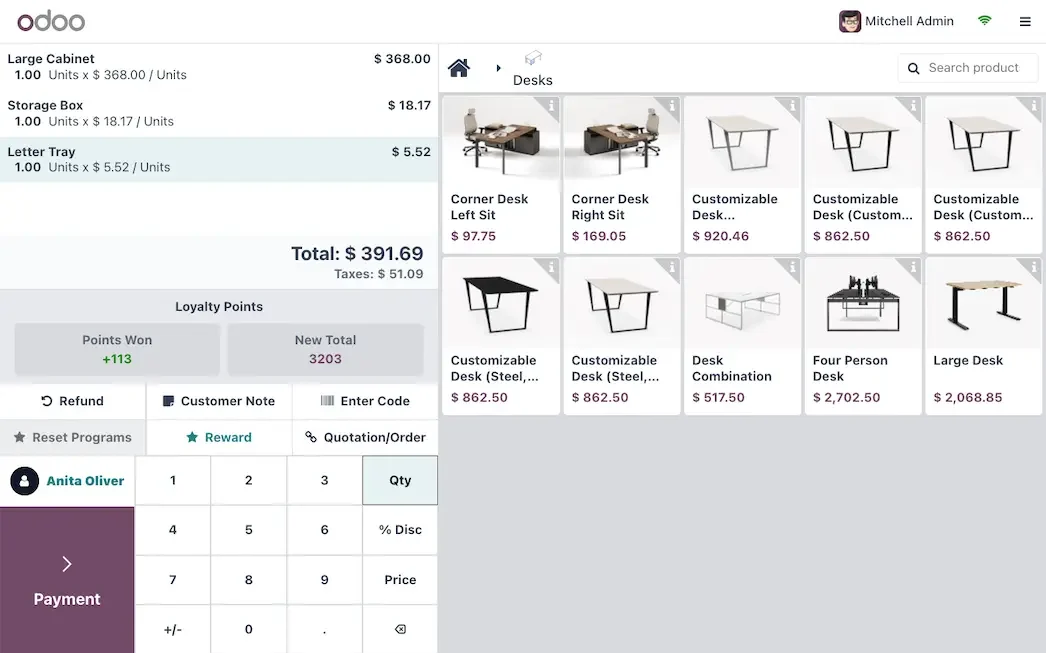
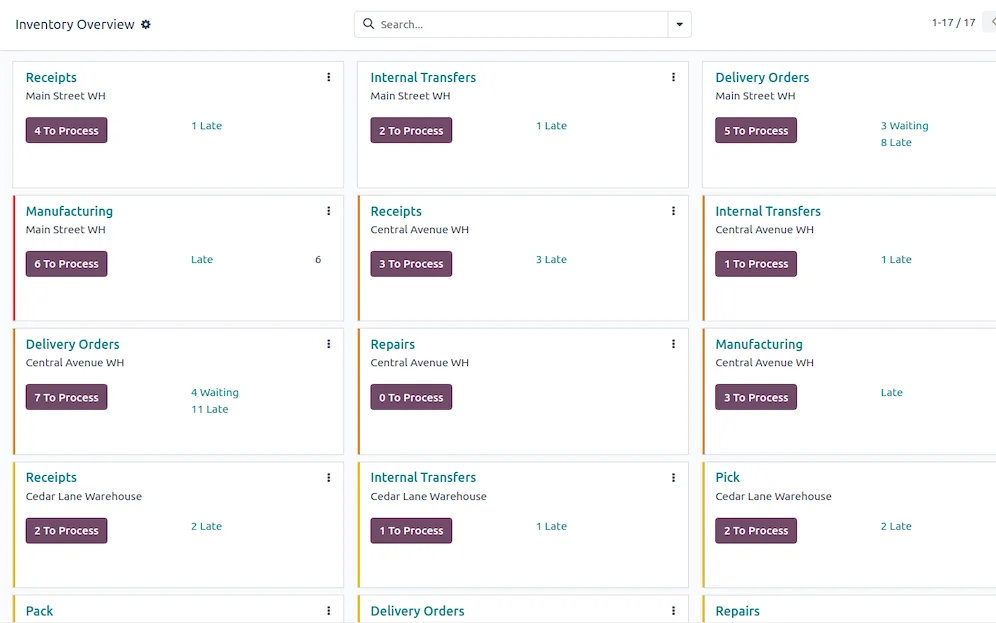
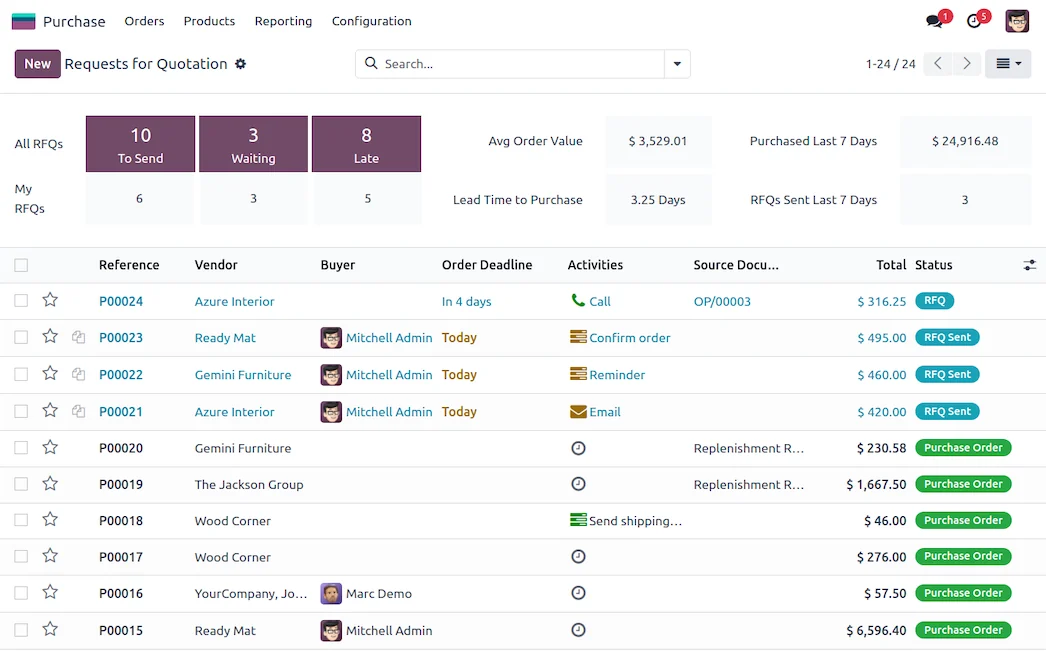
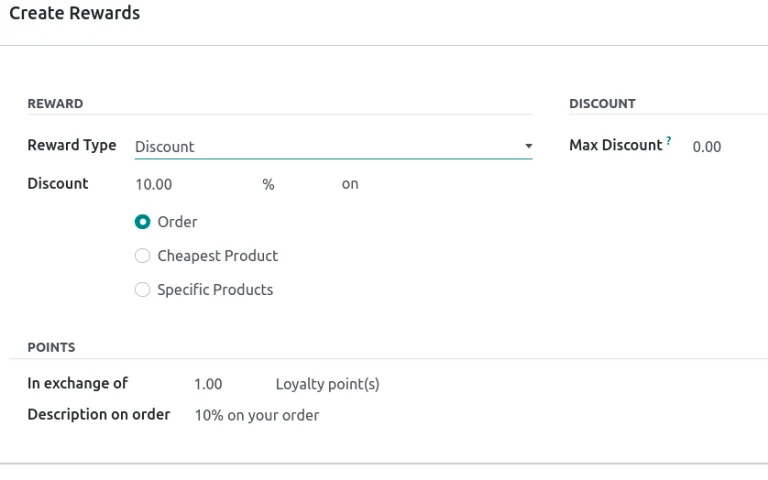
Each step names the Odoo app behind it. The screens are set up around your products, your documents and your approvals, not around a default demo.
What changes
What Changes for Your Team
A register built for the rush
Combos, extras and common changes are one tap each, so the cashier is not searching the menu while people wait.
Key ingredients counted daily
Bread, protein and oil are counted against what was sold. When the numbers drift, you notice the same day.
Several locations, one menu
If you open a second location, prices and products are set once and applied to both, with each store keeping its own stock.
Shorter lines at peak hours
A register built for combos and changes saves seconds on every order.
One report for all locations
You compare shifts and stores without collecting papers.
Starts small, grows with you
Start with the register at one location, and add ingredients and more stores later.
We do not promise percentages. We measure your starting point first, such as errors, delays or hours spent on repeat work, and track the change against it.
Questions
Questions We Hear Before We Start
There is a self-order option in the point of sale. We check hardware and payment fit before recommending it, because a kiosk is an investment.
The Restaurant mode of the point of sale sends orders to kitchen printers. A kitchen screen depends on the Odoo version in use, so we confirm it before promising it.
Orders from outside platforms are usually entered by hand or need a custom connection. We discuss the volume you get before suggesting either.
No. Pick the handoff that causes the most rework, get the team using it, then add the next step. Your existing data can come over from spreadsheets or an export of your current system: we load a test database first, review a sample with you and only then load the real one.
We work with Odoo Community, the open-source edition. InnovanSIS is an independent company founded by Cuban entrepreneurs; we are not Odoo. Every app named on this page belongs to Odoo Community. If something you need turns out to be a paid edition feature or custom work, we tell you before quoting.
You walk us through a normal day. We point out where information gets lost, suggest the first workflow to connect and put the scope in writing before any work starts.
Planning to run this on Odoo? Our Odoo implementation services cover the assessment, the build, data migration and go-live, with hour packs that start at US$493.
Next step
Bring Us Your Rush Hour
Walk us through your busiest hour. We will show you where the seconds get lost and what we would set up first.
Prefer to talk? 786-258-1088 • [email protected]